Restaurants & cafes
"Kitchen short-staffed at 3pm."
Close early, keep pickup orders on, and skip the one-star "they were closed" reviews.
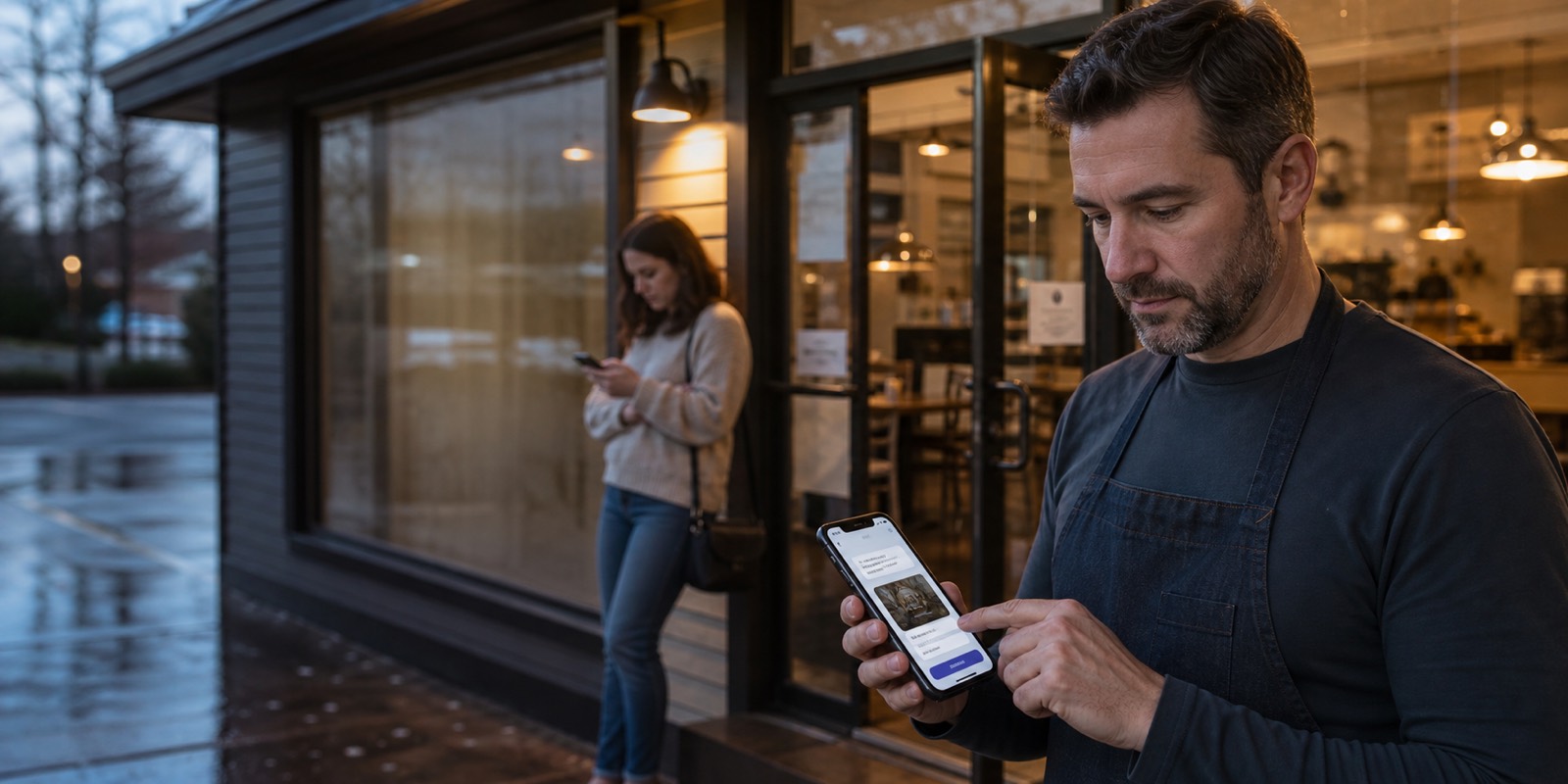
For shop owners who'd rather text than log in
86PaperSign is built to update your Google listing from a plain text message. We write it up, show you exactly what customers will see, and submit it only when you say yes.
30 days free, then $19 a month per location (founding rate; standard $29). Card required. Cancel any time before day 30 and you are never charged.
If your listing says "Open," they show up. Fixing it shouldn't mean a login screen, a forgotten password, or waiting on a callback from the computer guy.
The old way
With 86PaperSign
30-60 second website spot
Taped to the door — and invisible to everyone who checks the listing before driving over.
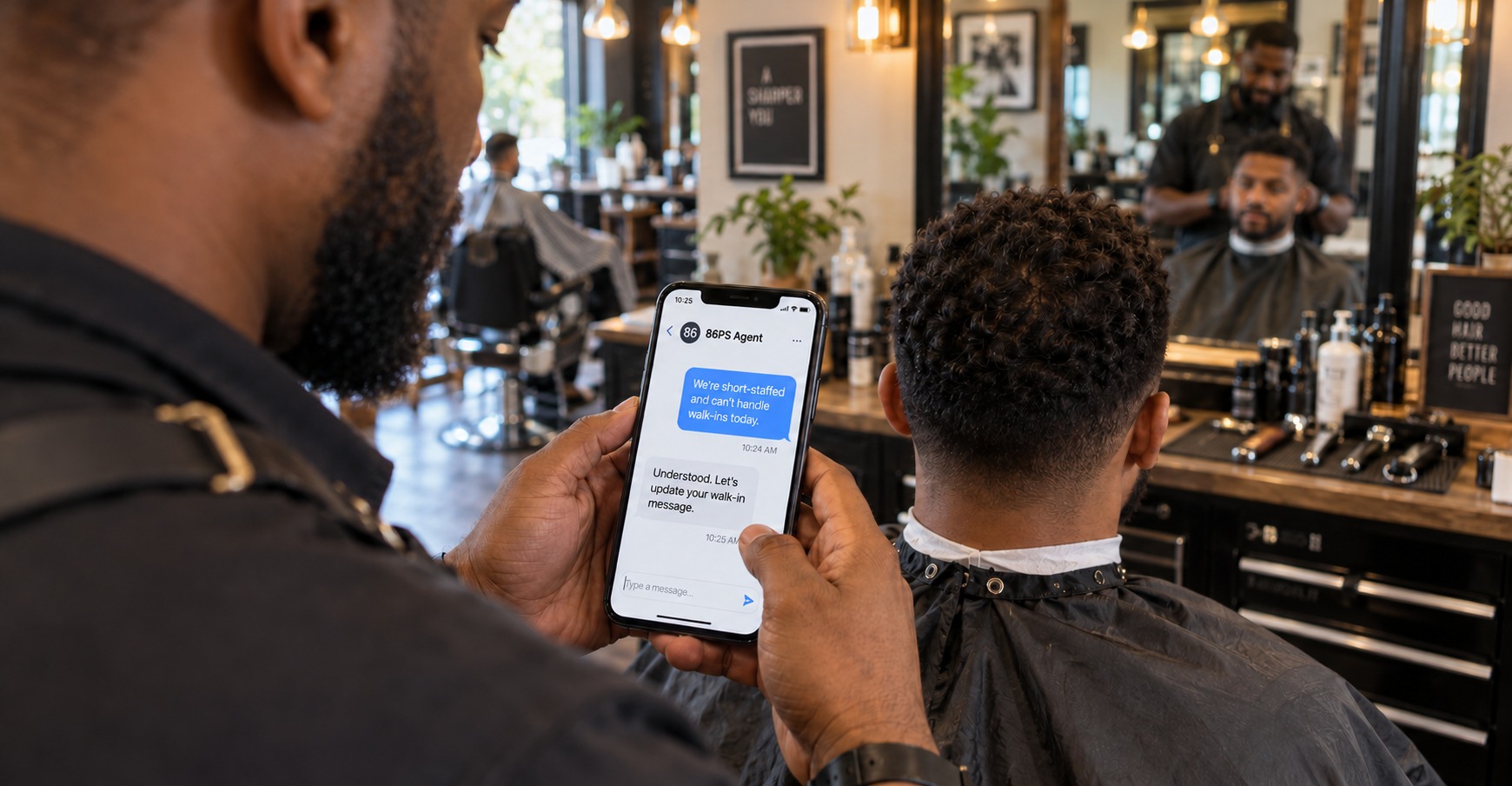
One message, written like he'd text his best employee. The exact preview comes back for a one-tap approval.
86PaperSign reports submission and readback separately, so the owner can see what is verified instead of getting a false instant-update promise.
The listing already did the work — he pulls the paper off the glass, smiling, and gets back to the cleanup.
Interactive demo
How it works
Text the assistant like you'd text your best employee: "Closing at 4pm today. Kitchen's short-staffed. Pickup orders still on."
You get back the exact change on your public listing — new hours, the customer note, the alert banner. Nothing publishes yet.
One tap. Only the change you previewed goes out, and every approval is logged with your name on it.
See whether the approved change was submitted and whether the public profile readback confirms it. Provider timing can vary.
Who it's for
"Kitchen short-staffed at 3pm."
Close early, keep pickup orders on, and skip the one-star "they were closed" reviews.
"Stylist out sick."
Pull today's openings and post the reschedule note before the drive-overs start.
"The delivery truck never showed."
Post the restock delay and today's real hours before the sidewalk sign has to do the apologizing.
"Crew stuck on an emergency job."
Push tomorrow's open slots and an "emergency calls only" note live — from the passenger seat of the van.
"Snow closure at 6am."
Patients see the closure and the reschedule line on your profile before they ever leave the house.
"Tonight's show just moved doors."
Update hours, pin the new door time, and post the refund note — one text, done from backstage.
How it plays out
Illustrative example — a composite scenario, not a real client.
A cafe kitchen goes short-staffed on a Saturday. The owner texts "Close at 4" from behind the counter, reviews the special-hours preview, and approves the submission without leaving the floor.
Illustrative example — a composite scenario, not a real client.
A contractor's crews get pulled onto emergency repairs. One text from the truck drafts a temporary announcement for review without asking the owner to navigate a dashboard.
Illustrative example — a composite scenario, not a real client.
An auto shop's lift goes down mid-morning. The owner drafts a temporary announcement from under the hood and sees exactly what will be submitted before approving it.
Simple national pricing
Founding rate for the first 500 locations, locked for as long as you stay subscribed; the standard price is $29. A card is required to start the free trial. Cancel any time before day 30 and you are never charged; after that, $19 per location is billed monthly until you cancel.
Storefront launch offer
$19 a month, per location
One location: free for 30 days, then $19/month founding rate (standard $29). Cancel any time.
FAQ
No. Everything on this site — including the interactive demo page — is a preview simulator. No real Google Business Profile or Apple Maps listing is read or written here. Founding members onboard first when live updates launch.
We will report the provider submission separately from verified readback. Timing depends on Google's systems, so 86PaperSign will not promise an instant public change.
No. 86PaperSign is SMS-first — if you can text an employee, you can update your listing. The phone already in your pocket is the whole product.
The Google-first launch scope is temporary hours, holiday hours, temporary closure and reopening, plus temporary customer announcements where the approved Google capability supports them. Permanent phone, website, and description changes stay preview-only.
Never. At launch you connect through Google's own sign-in (OAuth) and can revoke access at any time. We never ask for, see, or store your password.
You get 30 days free. A card is required to start, and nothing is charged during the trial. If you cancel before day 30 you pay nothing; otherwise $19 per location is billed monthly until you cancel. The $19 founding rate is open to the first 500 locations and stays locked while your subscription remains active; the standard price is $29. You can cancel or update your card yourself at any time from your setup page, and we email you before the trial ends.
No. Setup data is used to operate the preview, contact you about activation, and send marketing only when you separately opt in. See the privacy note.
Founding onboarding comes first, in waves. Google setup is available; new paid trials are held until launch; text messaging is running as an invite-only pilot while carrier registration completes; live listing writes open after messaging compliance and testing are complete. Reserve a spot and you hear it from us first — the roadmap is just below.
Not in the initial self-serve scope. The first launch verifies one authorized owner or operator per account. Team roles remain a later capability rather than a launch promise.
Nothing publishes without the exact preview you approve. If the preview isn't what you meant, don't approve it — rephrase and you get a new preview. The misread costs you seconds, not a wrong listing.
The setup preview accepts up to 100 locations. Each location is priced separately, and live multi-location activation waits for verified Google access and per-location authorization.
Google comes first. We are in active Apple business conversations, but that is not a partnership or endorsement, and Apple support has no promised launch date. The Apple card in the demo is only a concept.
The interactive demo runs in your browser and stores nothing. The signup and setup forms send the information you submit; the privacy note explains that storage.
You get a setup record at the account-created stage and can connect your Google Business Profile right away. Your setup stays saved. Phone verification opens after messaging approval, and the 30-day free trial starts only when service activation opens.
Roadmap
The preview lets owners feel the flow, create a setup record, and connect a Google account. Live listing changes are not yet enabled, and SMS enrollment is invite-only during the founding pilot.
After messaging compliance is verified, invited owners can connect locations and complete an end-to-end test with audit logs.
Founding members keep $19 per location; the service then opens to everyone at $29 per location, with a 30-day free trial and its terms shown before any card is entered. Approved Google changes report both submission and verified readback status.
Get started
Create your setup record now. It takes a few minutes, and you can stop and come back whenever you like.
Questions first? Email [email protected].
Tell us about your business and locations. Then connect Google and save your setup. Your 30-day free trial starts only at activation. Text updates open in a later stage, and we will email you when they do.